
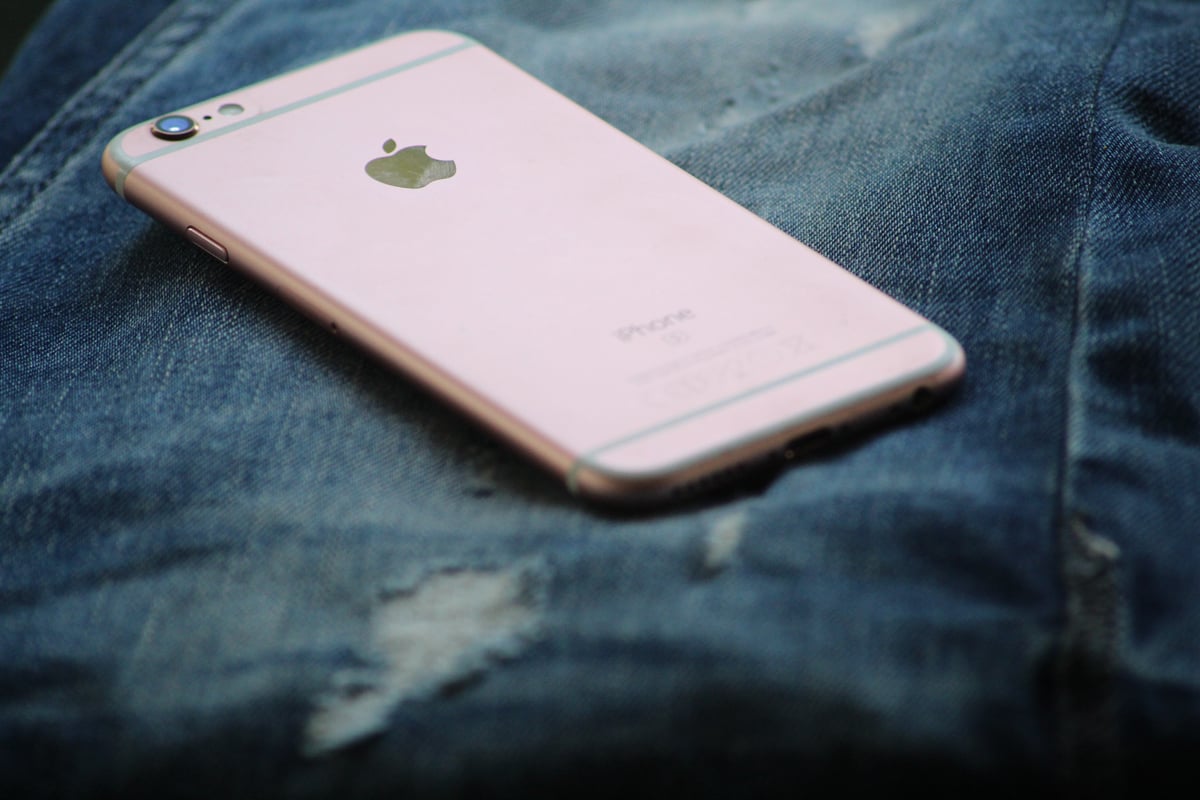
iPhone system haptics is the tactile feedback layer built into every iPhone. A small linear resonant actuator (LRA), which Apple calls the Taptic Engine, produces short vibrations that confirm taps, keystrokes, alerts and gestures. This article explains what system haptics is and how it works, covers its practical uses in iOS, looks at its limitations (whole-device vibration, latency and battery drain), and compares it with piezoelectric haptics, which delivers localized feedback at a fraction of the power.
Key Takeaways
- iPhone system haptics uses the Taptic Engine, an LRA introduced in 2015, to give tactile confirmation for taps, keystrokes, notifications and Haptic Touch gestures.
- Different vibration patterns act as a shared language: a text message, an email and a long press each feel distinct.
- An LRA vibrates the whole phone, has a slower response time than piezo, and the iOS 16 haptic keyboard was linked to noticeable battery drain.
- Piezoelectric actuators respond faster, localize the feedback to the point of touch and need a smaller footprint, with up to 10x lower power consumption.
- Piezo drivers like the Boréas BOS1921, built on CapDrive® technology, are the path to solid-state buttons and richer haptics without the battery penalty.
What Are iPhone System Haptics and How They Work
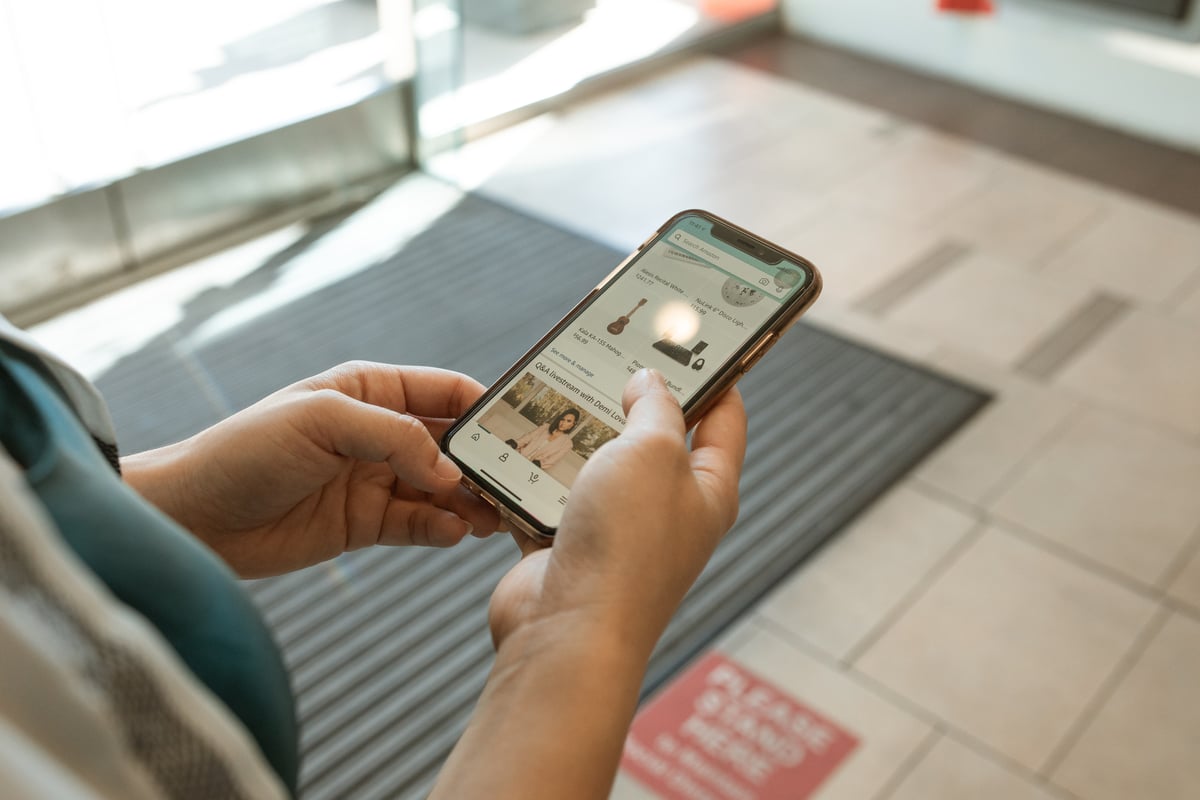
So, what are haptics on iPhone systems, and how do they function?
Essentially, haptics is a built-in vibratory feedback mechanism that communicates with users through touch as they input commands. If you've used a gaming controller, you know what this is: vibrations that occur as you press buttons, such as to shoot, sprint, or jump. It's all about enhancing the user's sense of touch.
Haptics is helpful because it replaces physical buttons with solid-state buttons, reducing mechanical clutter and freeing up space for other components, like battery capacity.
There are a few ways to incorporate haptic touch feedback. Their common trait is a motor that triggers a response as users input commands.
Apple took matters into its own hands in 2015 and created and released a proprietary haptic technology called the "Taptic Engine." Users loved the Taptic Engine and praised its enhanced tactile experience and tight, communicative physical sensations.
Ever since, Apple has continued developing the engine and uses it to power many practical functions that add definition to user experiences.

Practical Uses of iPhone System Haptics
Haptics isn't just a novelty; it shapes how users perceive and operate their devices. The physical sensation stimulates the nerves and trains users to understand the different types of vibration. Below are a handful of practical uses that iPhones provide users right now that create a more immersive experience.
Taptic Engine for Tactile Feedback
The Taptic Engine was a revolutionary development, allowing Apple to reach new heights in producing tactile responses. It enabled iPhones to include haptic feedback responses for many functions, including:
- Rearranging and deleting apps
- Activating control center features
- Opening and closing tabs
- Previewing messages and photos
- Turning the volume slider button off and on
Then, the haptic keyboard came. This was a part of the iOS 16 update, which proved to be a considerable upgrade to the iPhone's haptic feedback mechanism. The haptic keyboard provided a tactile sensation whenever a user pressed a key, whether for sending a text, inputting a search, or taking notes.

Notification Alerts and Feedback
You've probably noticed that iPhones deliver different vibrations depending on the notification type. These intentional responses create a shared language between the user and the phone, which communicates the urgency of the notification. For example, the iPhone provides a longer pulse for a text than for an email.
Haptic Touch and 3D Touch Features
Haptics and 3D touch features have a robust range of controls. Some of the benefits of haptic touch include:
- Activating live photos
- Pulling up quick action menus
- Opening the flashlight or camera
- Expanding info on links, contacts, and notifications
Another fantastic feature is the customization. With haptics, users can adjust touch pressure settings; for example, a soft tap produces one command, and a hard or longer tap produces an entirely different one. It also allows users to enter speed settings and alter how quickly a haptic response reacts to the touch.
The Limitations of iPhone System Haptics
While Apple's Taptic Engine is widely successful, the haptics iPhone story has seen its struggles and limitations—especially compared to state-of-the-art solutions like Boreas Technologies CapDrive piezo-powered motors. For example, with the release of the iOS 16 update, many users reported significant losses of battery life. This was eventually linked to updates to the haptic keypad.
Below are a few other limitations associated with Apple’s Taptic Engine:
- The entire phone vibrates when the LRA is used. The vibration is not localized.
- The vibration is less sharp due to a lower response time.
- If an app uses an LRA haptic motor, the haptic effects cannot be used by the button, so there is no haptic feedback in that scenario.
Apple's current model isn't without issues, but there’s massive change on the horizon concerning haptic capabilities. This change goes by the name piezoelectricity.
State-of-the-Art Piezo Drivers: The Full Power of System Haptics
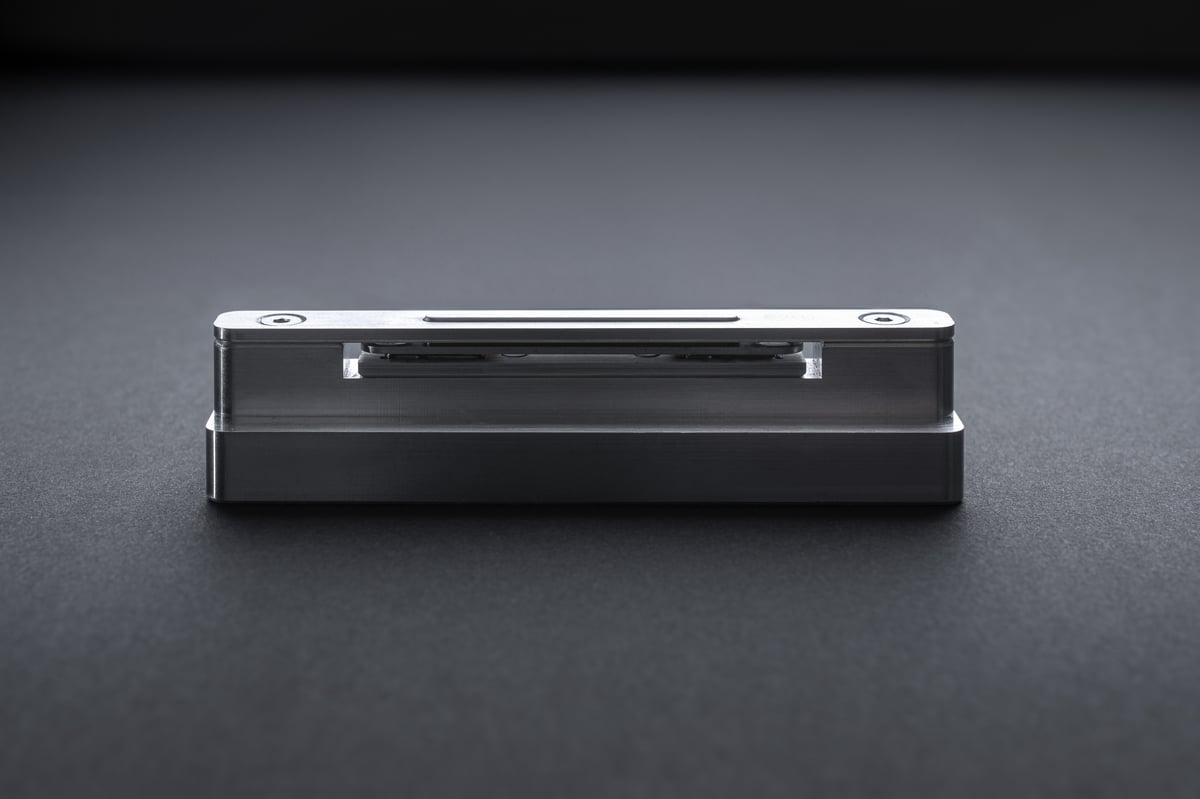
If you're searching for the best form of haptics, look no further than a piezo actuator. Piezo-powered devices offer some fundamental differences that lead to benefits, including:
- Up to 10X less power consumption
- Less internal space needed, and thus a smaller footprint
- More precise response times
- Faster responses and acceleration
So how do they work? A piezo motor is powered by materials that generate an electrical current when placed under pressure, such as a tap from the finger. When tapped, they release a voltage, which is harnessed to create those haptic responses.
Below are some more benefits of piezo-powered actuators.
Enhanced Experience Through Localized Haptic Feedback
Tech lovers seek out ever more immersive experiences. Piezo haptics is directly tied to creating more fine-tuned and engaging interactions, whether the goal is to create a more focused work performance or a better gaming experience. For example, a piezo haptic keyboard produces faster and more accurate typing because it responds faster than competing methods.
Faster and tighter responses localize the feedback, creating a more focused experience that elevates the effects of a game or app.
Improved Accessibility and User Interface Interaction
As mentioned, haptics communicates with users and expands how they operate things like their control center, web browsing, and photo apps. With increased accessibility, users can perform faster commands and get a more helpful experience where they feel in control.
Increased Customization and Dynamic Rocker
Haptics is still in its early stages regarding customization. But piezo power unlocks many great customization options to tailor commands to meet their preferences, whether for work, gaming, or accessibility purposes.
Another fascinating development is that, given piezo’s sensitivity, motors have a dynamic rocker that distinguishes between swipes, clicks, and taps. This unlocks a whole new range of possibilities for customization.
Consider Boreas Technologies Today
Are you looking to invest in the best piezo actuator money can buy? Boreas Technologies offers the top-performing piezo motors on the market. For example, the BOS1921 is built on our patented CapDrive® architecture that avoids battery drainage and eliminates latency concerns. Ultimately, the incredible driving frequency outperforms competing devices, using up to 20 times less power.
Visit Boreas's product page today to learn how our piezo haptic driver can revolutionize your forthcoming line of devices.
Frequently asked questions
What is iPhone system haptics?
System haptics is the setting that lets iOS play tactile feedback for interface actions: toggling a switch, scrolling a picker, long-pressing an icon or typing on the keyboard. The vibrations come from the Taptic Engine, a linear resonant actuator inside the phone.
How do I turn system haptics on or off?
Open Settings, go to Sounds & Haptics and toggle System Haptics. Keyboard vibration is a separate setting under Sounds & Haptics, then Keyboard Feedback, where you can turn Haptic on or off.
What is the Taptic Engine?
The Taptic Engine is Apple's name for the linear resonant actuator it introduced in 2015. It moves a small mass back and forth to produce short, controlled vibrations and replaced the rotating eccentric-mass motors used in earlier phones.
Does haptic feedback drain the iPhone battery?
It can. When iOS 16 added the haptic keyboard, many users reported shorter battery life, and Apple's own support note says keyboard haptics may affect battery life. Each keystroke drives the actuator, and an LRA draws far more power per event than a piezo actuator.
What is the difference between Haptic Touch and 3D Touch?
3D Touch, available on the iPhone 6s through the iPhone XS, used pressure sensors in the display to detect how hard you pressed. Haptic Touch, which replaced it, relies on a long press and a haptic pulse from the Taptic Engine to trigger the same quick actions.
How is piezo haptics different from the Taptic Engine?
A piezoelectric actuator deforms almost instantly when a voltage is applied, so the response is sharper and can be localized to a specific button or area instead of shaking the entire device. Piezo actuators are also thinner and consume up to 10x less power than an LRA for equivalent feedback, which is why they are used in solid-state buttons.
Glossary
System haptics: The iOS setting that enables tactile feedback for interface actions such as switches, pickers and long presses.
Taptic Engine: Apple's linear resonant actuator, introduced in 2015, that produces the vibrations behind iPhone haptics.
LRA (Linear Resonant Actuator): A vibration motor that moves a mass along one axis at its resonant frequency. It vibrates the whole device rather than a single point.
Haptic Touch: Apple's long-press gesture, confirmed by a haptic pulse, that opens quick actions and previews. It replaced 3D Touch.
3D Touch: A pressure-sensitive display technology used on iPhone 6s to iPhone XS that triggered different actions depending on how hard the screen was pressed.
Piezoelectric actuator: A component that converts voltage into precise mechanical motion, used to create fast, localized haptic feedback.
Solid-state button: A button with no moving parts that combines a force sensor with a piezoelectric actuator to detect a press and confirm it with tactile feedback.
CapDrive®: Boréas' piezo driver architecture that recovers energy from the actuator on each cycle, enabling high-definition haptics at low power.
Related reading
Why the iOS 16 keyboard haptics is draining your battery
The iPhone 15's Action Button vs. solid-state buttons
What you can learn from Apple's challenges with the iPhone Camera Control button
Physical buttons vs. solid-state buttons in cell phones
Mechanical fundamentals of piezo haptic actuators
What Is CapDrive? The piezo driver that recovers energy on every actuation
Next steps
Learn how CapDrive® technology cuts haptic power consumption → https://www.boreas.ca/pages/capdrive-technology
See the BOS1921 piezo haptic driver specifications → https://www.boreas.ca/collections/piezo-haptic-drivers/products/bos1921-piezo-driver
Evaluate piezo haptics with the BOS1921 development kit (BOS1921-KIT-C01) → https://www.boreas.ca/products/bos1921-kit-c01
Discuss your smartphone haptics design with our applications engineering team → info@boreas.ca
Leave a comment