
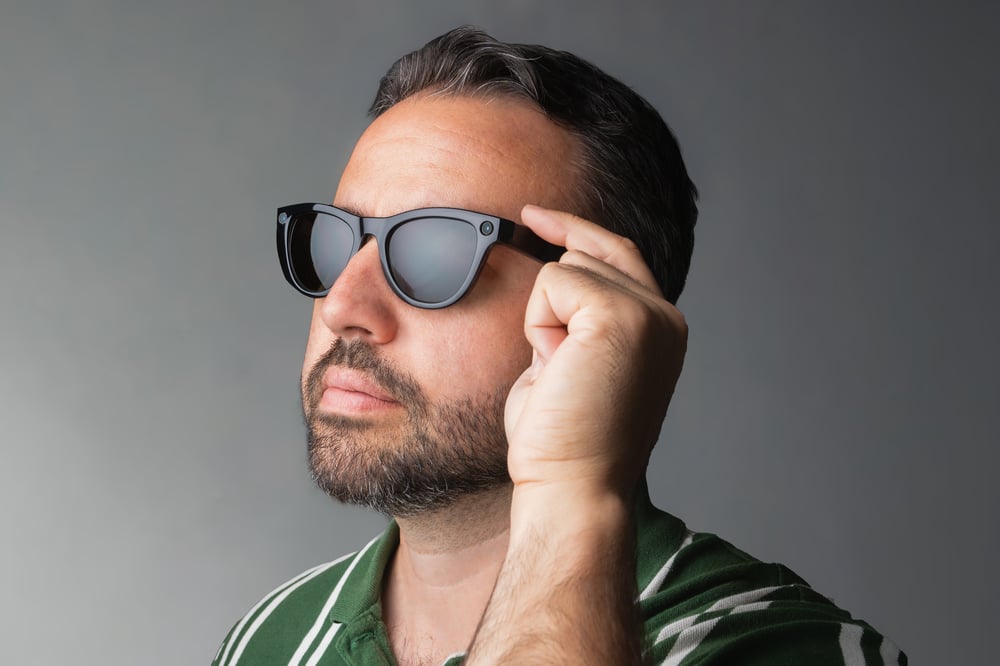
Solid-state piezoelectric buttons are an emerging control method for augmented reality (AR) glasses, pairing force sensing with instant, localized haptic feedback so users can operate a device they cannot see. This article covers the "blind interaction" problem created by today's capacitive touch surfaces, how solid-state buttons solve it, and seven specific reasons the technology could define how people navigate AR glasses.
Key Takeaways
- Solid-state piezo buttons combine a force sensor with a piezoelectric haptic actuator
- Capacitive touch alone creates a "blind interaction" problem: users get no confirmation that a tap registered.
- Force detection filters out accidental contact, so only a deliberate press above a set threshold triggers an action.
- A single button surface can double as a slider or multi-directional input, each with a distinct haptic pattern.
- The global smart glasses market is projected to grow from $1.93B in 2024 to $8.26B by 2030, a 27.3% CAGR (Grand View Research).
The augmented reality (AR) glasses market is emerging as the next frontier in personal computing, presenting a massive opportunity. Think about it: we've witnessed an incredible evolution from room-sized computers to laptops, then to smartphones that fit in our pockets, and now we're standing at the threshold of having AI directly integrated into our field of vision. This isn't just an incremental upgrade; it's a quantum leap in human-computer interaction that could redefine how we engage with digital information.
Picture this: an AI assistant like Gemini seamlessly helping you navigate unfamiliar cities, instantly translating foreign languages, or providing real-time information overlays — all without ever needing to reach for your phone. This is the compelling vision of truly hands-free, immersive computing that AR glasses manufacturers are racing to deliver.
However, here's the challenge that keeps product managers up at night: How do you create intuitive controls for a device where users can't see what they're touching?
The Invisible Interface Challenge
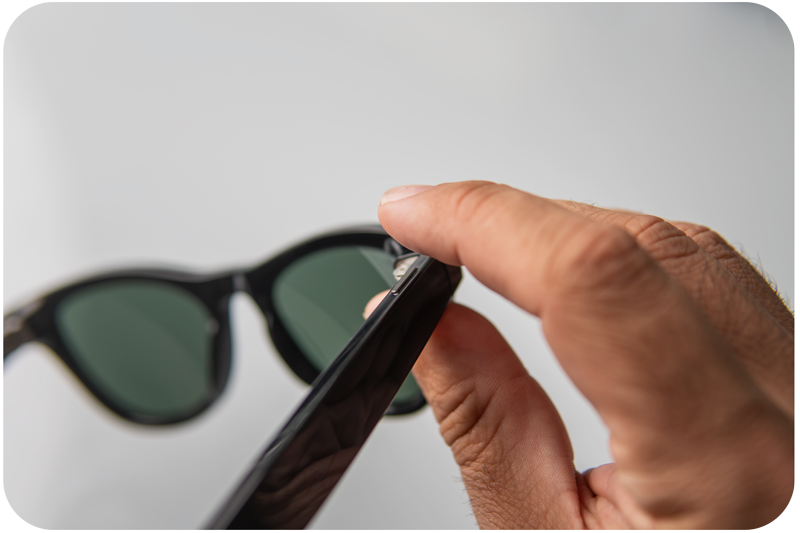
Current AR glasses face a fundamental UX problem that's hampering adoption. Most rely on capacitive touch surfaces embedded in the temple's sleek and minimal, yes, but they create a frustrating "blind interaction" scenario. Users are left questioning every input: Did my tap actually register? Am I touching the right spot? Should I press harder or softer? Was that a successful gesture, or did I just accidentally trigger something?
This uncertainty destroys user confidence and breaks the immersive experience that AR promises to deliver. When users start second-guessing basic interactions, they lose trust in the entire system. Some even resort to pulling out their phones to use companion apps, completely defeating the purpose of hands-free AR interaction.
The stakes are high. Consumer expectations have been shaped by the iPhone's intuitive touch interface and the seamless interactions we've come to expect from our devices. AR glasses need to meet or exceed these expectations to achieve mainstream adoption.
The Game-Changing Opportunity: Solid-State Piezo Buttons
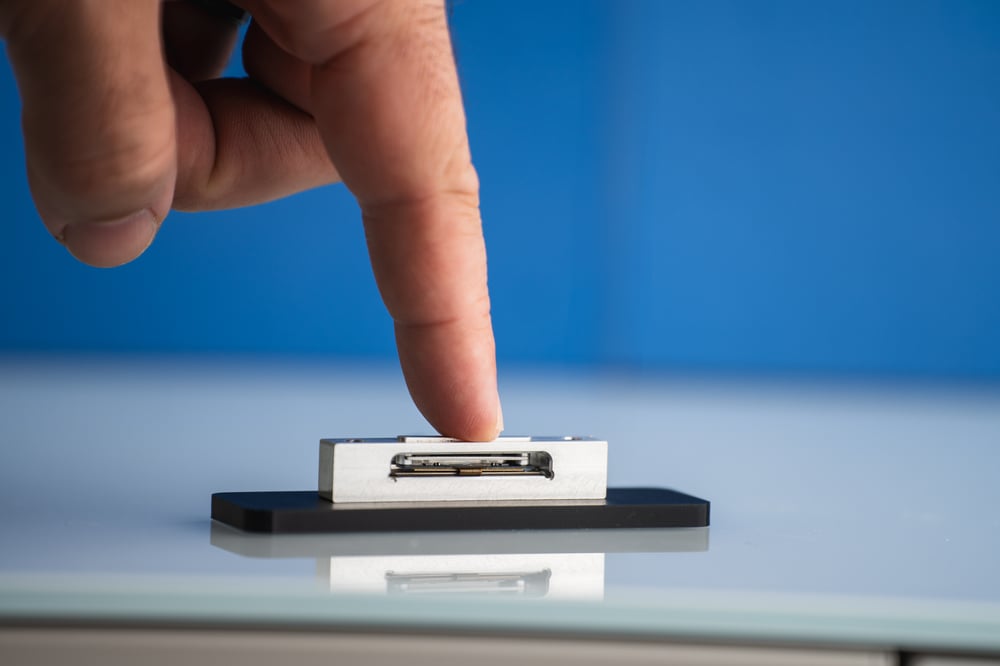
Enter solid-state piezoelectric button technology, a solution that could solve AR's interaction problem while unlocking new possibilities for user experience design. Boreas Technologies has developed what might be the missing piece of the AR puzzle: buttons that provide instant, localized haptic feedback without any moving parts.
Think of solid-state buttons (SSBs) as the next evolution of touch interfaces. By combining force sensors with advanced haptic technology, they transform simple touch surfaces into sophisticated, multi-functional controls that users can operate with confidence, even when they can't see them.
7 Game-Changing Reasons Why SSBs Could Define the AR Experience:
1. Instant Confidence Through Tactile Confirmation
Every interaction delivers immediate, localized feedback that confirms your action was registered. No more guessing, no more uncertainty. This haptic confirmation is private and instantaneous, unlike voice commands that can disturb others or gesture controls that drain battery life. When you can't see what you're touching, this tactile feedback becomes your primary navigation system.
2. Unshakeable User Trust = Higher Adoption Rates
Consumer trust is everything in emerging tech markets. SSBs eliminate the "did that work?" moment that kills user confidence. When interactions feel reliable and predictable, users tend to embrace the technology instead of fighting against it. This level of trust is crucial for transitioning AR glasses from early adopter gadgets to mainstream consumer products.

3. Multi-Functional Control in a Single Surface
Here's where it gets interesting: one SSB can function as multiple controls. A single touch area can act as a button, a slider, or even a multi-directional input device. Imagine controlling camera zoom with a slide gesture, adjusting volume with pressure sensitivity, or navigating menus with intuitive swipes, all with distinct haptic feedback patterns that your fingers instantly recognize.
4. Precision Haptic Feedback That Doesn't Compromise Comfort
Unlike traditional linear resonant actuators (LRAs) that can make entire glasses frames vibrate uncomfortably, piezoelectric haptic technology delivers feedback precisely where you touch. This means extended wear comfort is crucial for all-day usage scenarios. The technology offers exceptional clarity and responsiveness, with a wider frequency bandwidth and lightning-fast response times, enabling complex and customizable haptic effects.
5. Smart Force Detection Eliminates Accidental Inputs
SSBs distinguish between intentional presses and accidental contact through intelligent force detection. Light touches, such as adjusting your glasses or casual finger placement, won't trigger actions; only deliberate pressure above a configurable threshold activates controls. This eliminates the frustrating false inputs that plague basic capacitive systems, creating a more intentional and controlled user experience.
6. Advanced Features That Feel Natural
SSBs enable sophisticated interactions that feel familiar to users. Think two-stage camera controls: half-press to focus, full-press to capture, just like a traditional camera. Or pressure-sensitive volume controls that respond to how firmly you press. These advanced features don't require learning new behaviors; they leverage existing user mental models while adding precision and feedback.
7. Superior Power Efficiency During Active Use
When actively engaged, our solid-state piezo buttons deliver significantly better power efficiency compared to voice control and over-the-air gesture systems. While voice recognition requires substantial processing power to interpret commands and gesture control demands continuous camera processing and complex algorithms to track hand movements, our CapDrive® technology provides tactile feedback with minimal energy consumption. During active interaction sessions, voice and gesture systems can consume considerable power for real-time processing, whereas our piezo buttons maintain consistent, low-power operation. This efficiency advantage during actual use translates to extended battery life and more reliable all-day performance for AR glasses users who rely on frequent interactions throughout their day.
The Market Opportunity

The numbers tell a compelling story: According to Grand View Research, the global smart glasses market size was estimated at USD 1.93 billion in 2024 and is projected to reach USD 8.26 billion by 2030, growing at a CAGR of 27.3% from 2025 to 2030. This represents one of the most exciting opportunities in consumer technology, with the market expected to more than quadruple in just six years.
The AR glasses market is heating up rapidly, with tech giants such as Meta, Google, Samsung, and Apple making substantial investments to capture their share of this explosive growth. The winners in this space won't be determined by who has the most features, but by who creates the most trustworthy, intuitive user experience.
Solid-state piezo buttons represent a significant opportunity for manufacturers to differentiate their products and set new standards for AR interaction. This isn't just about solving a technical problem; it's about creating a competitive advantage that could define market leadership.
We have already proven this technology in the field, with successful deployments in Dell Latitude and XPS laptops after rigorous testing with major OEMs. Our comprehensive engineering expertise across mechanical, software, and electrical domains means faster integration and shorter time-to-market for AR manufacturers.
The Bottom Line
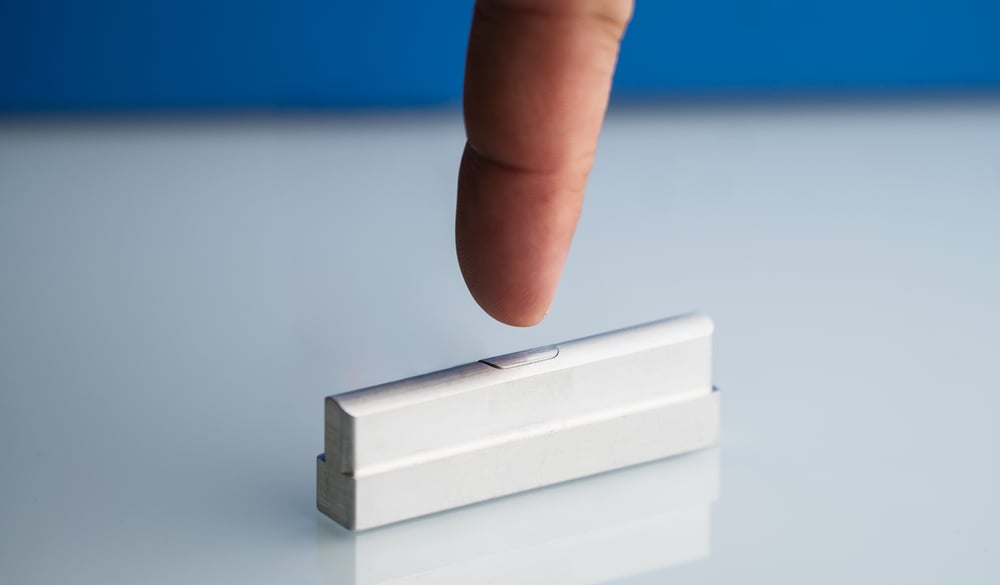
The opportunity is clear: make AR interaction so intuitive and responsive that users forget they're wearing a device. This is how AR glasses manufacturers can leapfrog from prototype to indispensable daily tool by creating an interface that can be felt but not seen.
For AR glasses to achieve their full potential and reach mainstream adoption, they must address the fundamental challenge of invisible interaction. Our solid-state piezo buttons could be the key technology that transforms AR from a fascinating demo into a must-have consumer product.
The question isn't whether AR glasses will succeed; it's which manufacturers will create the user experience that defines the category. And that experience might just come down to something as fundamental as how it feels to press a button.
Frequently asked questions
What is a solid-state button?
A solid-state button is a control that combines a force sensor with a piezoelectric haptic actuator, so it registers a press electronically and delivers instant, localized tactile feedback with no moving parts.
Why is touch input harder to get right on AR glasses than on a phone?
Because users cannot look down to check whether a tap registered. Capacitive touch surfaces on AR glasses create a "blind interaction" problem where users are left guessing whether an input worked, unlike a phone screen that shows the result instantly.
How do solid-state buttons prevent accidental presses?
They use force detection with a configurable pressure threshold, so casual contact — adjusting the glasses, brushing against the temple — doesn't register, while a deliberate press above the threshold does.
Can a single solid-state button replace multiple physical controls?
Yes. The same touch area can act as a button, a slider, or a multi-directional input, each paired with a distinct haptic pattern, which reduces the number of separate physical controls a design needs.
Do solid-state piezo buttons use more power than voice or gesture controls?
No. The IC sits in sleep mode and only wakes up when the captouch surface detects a touch event, so it isn't constantly sensing. Voice recognition needs continuous processing to interpret commands, and camera-based gesture tracking needs continuous image processing. Both draw power even when idle, which supports longer all-day battery life for solid-state buttons.
How big is the AR/smart glasses market opportunity?
Grand View Research estimated the global smart glasses market at $1.93 billion in 2024, projecting it to reach $8.26 billion by 2030 at a 27.3% CAGR — more than quadrupling in six years.
Has solid-state piezo button technology been used outside AR glasses?
Yes. Boréas' solid-state piezo buttons have already been deployed in Dell Latitude and XPS laptops following rigorous testing with major OEMs, giving the approach a track record before AR glasses adoption scales.
Glossary
Solid-state button (SSB): A control with no moving parts that pairs a force sensor with a piezoelectric haptic actuator to register presses and confirm them with tactile feedback.
Piezoelectric actuator: A component that converts an electrical signal into precise mechanical movement, used to generate localized vibration or force feedback.
Force sensor: A sensor that measures how hard a surface is pressed, allowing a system to distinguish an intentional press from accidental contact.
LRA (Linear Resonant Actuator): A traditional vibration motor that shakes an entire device rather than a specific point — the type of haptics solid-state piezo buttons are designed to improve on for wearables.
Blind interaction: A UX problem where a user must operate a control without being able to see it, as with a touch surface on the temple of AR glasses.
CapDrive®: Boréas' piezo driver technology that delivers haptic feedback to solid-state buttons at low power consumption.
Related reading
Boréas solid-state button for AI/AR glasses
Piezo solid-state button overview
BOS1921 piezo driver IC specifications
What Is CapDrive? The piezo driver that recovers energy on every actuation
The Battle for Smart Glasses' Killer App: Why Input Method Will Determine the Winner
Next steps
See the Boréas AI/AR glasses solid-state button solution → https://www.boreas.ca/pages/ar-glasses-solid-state-button
Evaluate the Piezo SSB with Captouch Devkit → https://www.boreas.ca/collections/development-kits/products/bos1921-development-kit
Discuss your AR glasses input design with our applications engineering team → info@boreas.ca
Leave a comment